
Navigation
Tabs stop meaning one thing
One agent can navigate, close, or reuse a tab while another agent still treats it as the page from an earlier snapshot.
Parallel coding agents
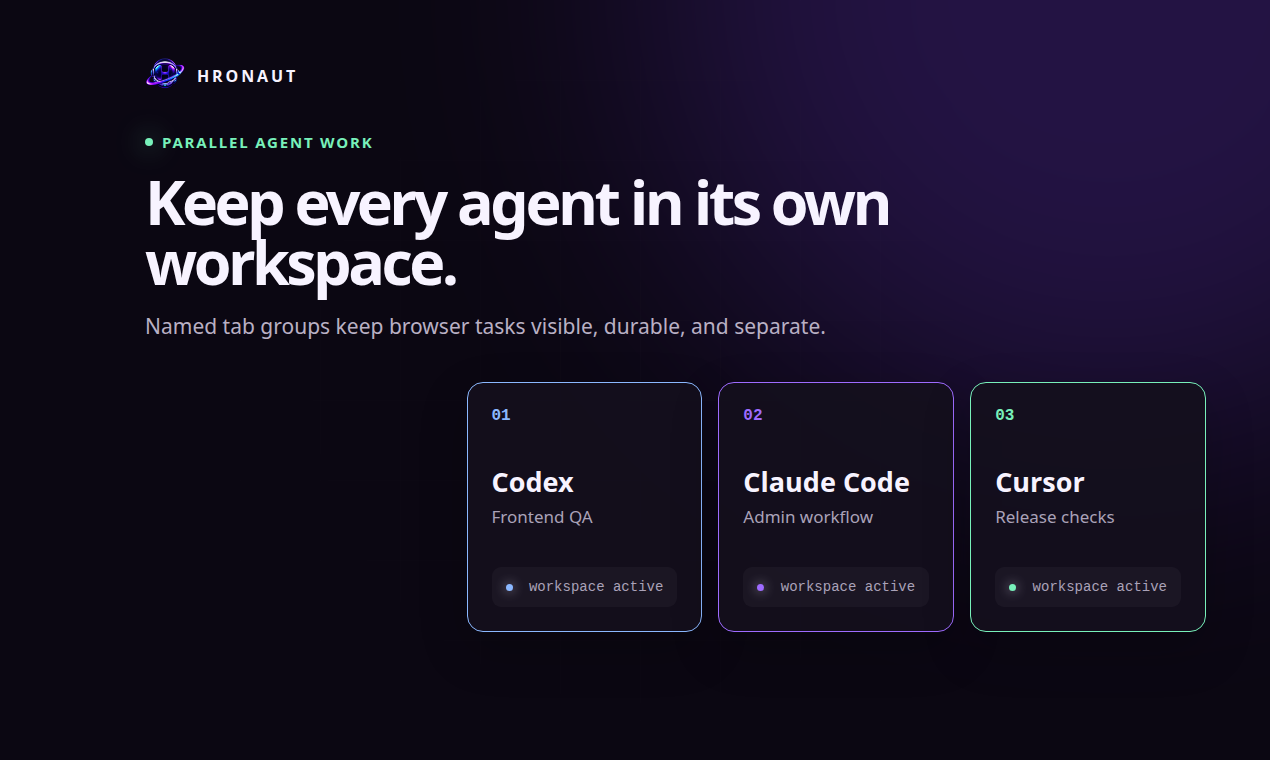
Give each Codex, Claude Code, Cursor, Copilot, or OpenCode task its own visible tabs and isolated persistent browser profile. Keep different projects and accounts separate while you watch and control the work.
Workspace contract checked against Hronaut v2.5.0 · September 21, 2026
A practical default
A persistent profile is useful, but concurrent work still needs an ownership rule. Hronaut requires an agent to create a named workspace first and use the returned UUIDv7 workspace ID for every browser tool call. Tabs and site state stay inside that task boundary. See why a persistent profile is not a concurrency strategy →
The shared-profile problem
Navigation
One agent can navigate, close, or reuse a tab while another agent still treats it as the page from an earlier snapshot.
Identity
Two tasks may need different test accounts, organizations, feature flags, or local-storage state on the same origin.
Lifecycle
If the browser belongs to a single client process, disconnecting or restarting that client can destroy useful state for other work.
Hronaut workspace contract
Start with browser_workspaces and a fresh, human-readable task name. Hronaut returns a stable workspace ID and private resume key. Keep the key private so the same task can reconnect later.
Use storage=scratch for a clean profile. To reuse sign-ins deliberately, call list-fork-sources, then create with storage=fork-workspace, a sourceWorkspaceId, and only the required origins.
Pass that workspace ID to every page tool. Hronaut rejects tabs that belong to another workspace. After reconnecting, use action=resume with the workspace ID and private resume key before inspecting the page.
Archive useful task state for later, or permanently close the workspace and its isolated browser data when the task is finished.
Storage boundary
Every Hronaut workspace receives its own persistent Electron partition for cookies, local storage, cache, service workers, and related site state. Workspace membership is immutable: tabs cannot move between workspaces, and a tab ID from another workspace is rejected.
A fork copies cookies and local storage into a new workspace with a blank tab; it does not copy source tabs, passwords, IndexedDB, or caches. It inherits the source’s navigation restrictions. Disabling direct agent access to a source still permits forks, so that switch does not keep its reusable sign-ins secret.
Returning to a task
One live connection at a time can hold the workspace’s five-minute renewable write lease. Another authorized connection can inspect it, but conflicting writes return BUSY or LEASE_LOST without dispatching the action. Pause, disconnect, release, or expiry removes that write authority.
After a handoff, inspect fresh state, check ownership-status, and use claim-ownership only when ready to continue. This coordinates writers inside one Hronaut process; it does not coordinate separate installations. Archive useful state to keep it, or permanently close a workspace to delete its browser data.
Choose the right model
Project-scoped automation
Playwright MCP creates persistent profiles from the workspace root and supports isolated sessions. Its documentation notes that a persistent profile can be used by only one browser instance at a time.
Playwright MCP profile modes ↗Exact browser already open
Connect when the task must inspect the exact tab and profile already on screen. This gives the agent the authority and shared state of that everyday browser.
Chrome DevTools auto-connect ↗Durable multi-agent work
Use one separate visible browser app when task profiles should persist independently of client sessions and remain isolated from other workspaces.
Compare browser ownership models →Sources and limits
Hronaut embeds Chromium and is designed for visible, long-lived desktop work. Use Playwright or another test runner when ephemeral headless jobs or Firefox and WebKit coverage matter more than durable human-visible sessions.
Try the workspace boundary
Install Hronaut, connect two MCP clients, and have each create a clearly named scratch workspace before opening a page.